Logic squares is a maths app soon to be released by Alan Peat Ltd. Players will learn to manipulate numbers within calculations, becoming increasingly strategic in their thinking as the levels progress in difficulty.
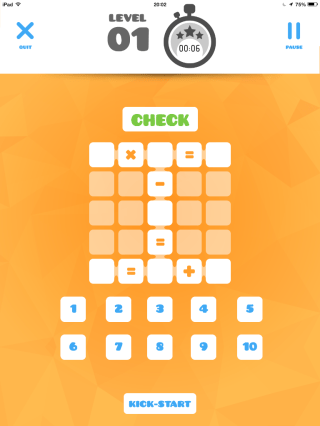
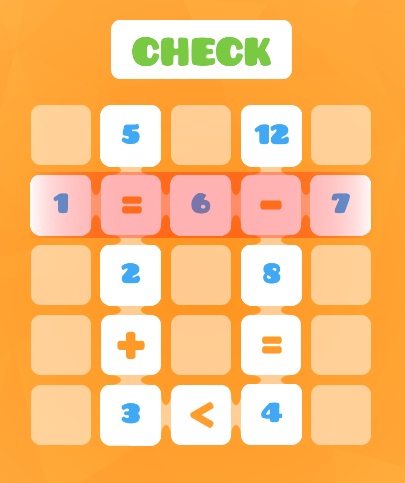
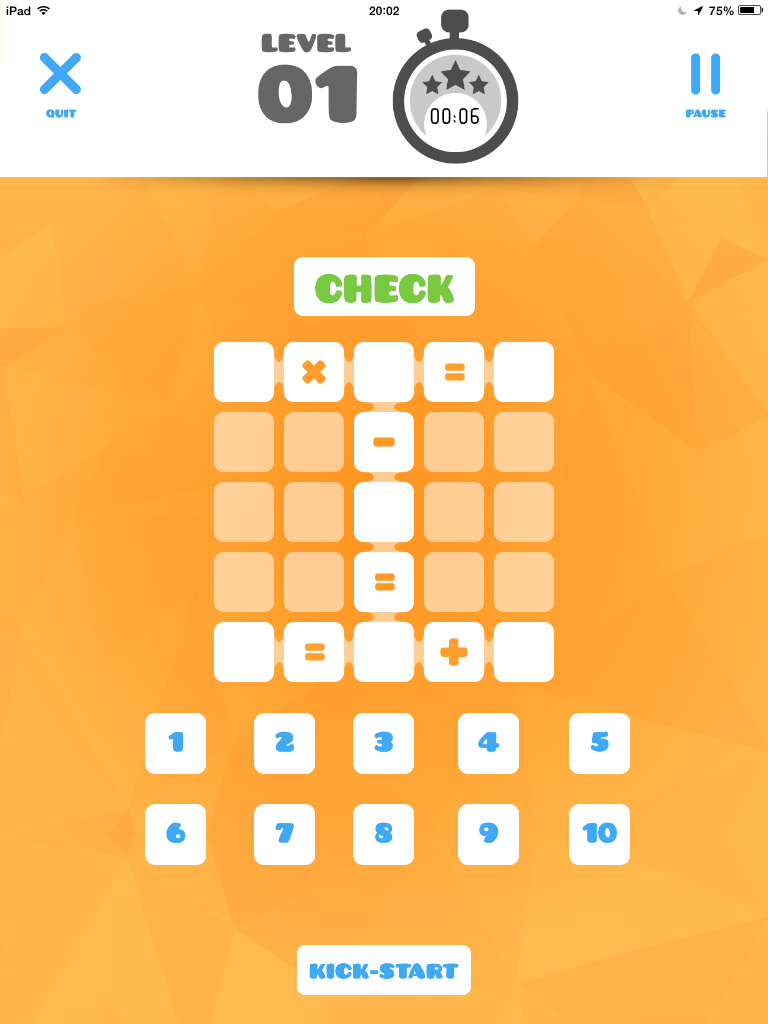
The rules are simple: fill the gaps using the numbers provided to make each line correct. To make the levels more accessible, a ‘kick-start’ button can be pressed at the start of every round which positions a number automatically. Mistakes are highlighted in red when the player clicks ‘check’, directing the player to any errors so amendments can be made.
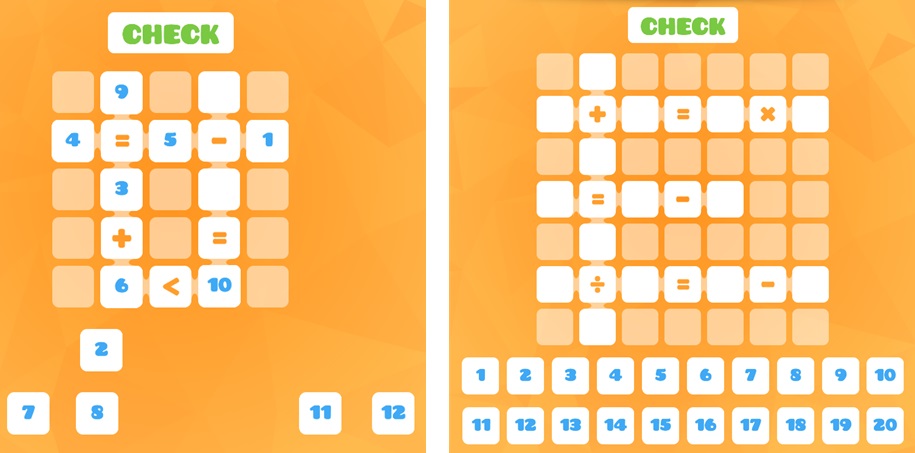
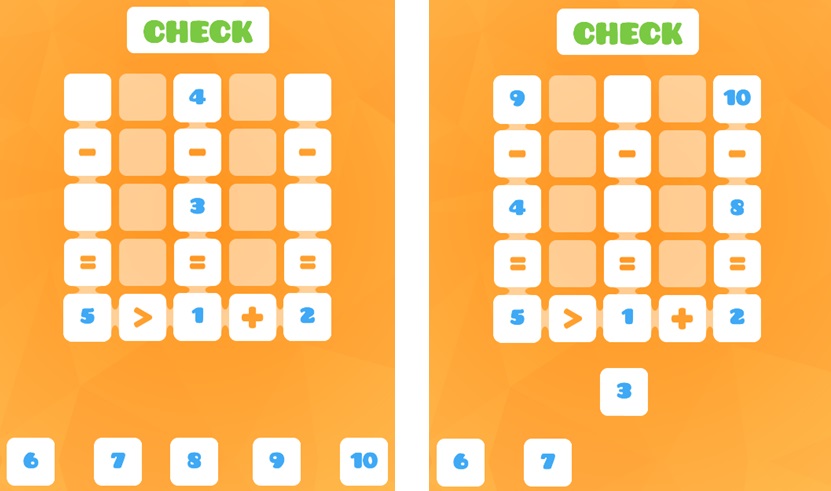
Levels progress from more straightforward:
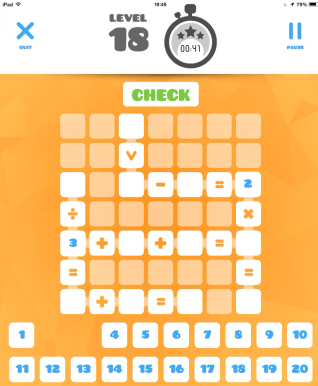
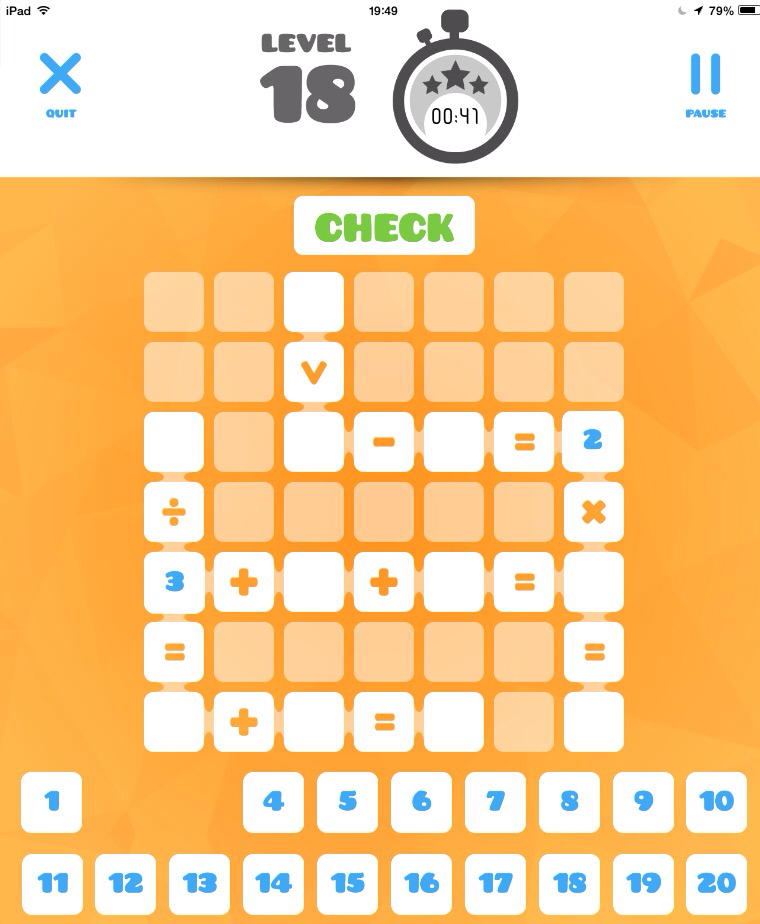
To the very challenging:
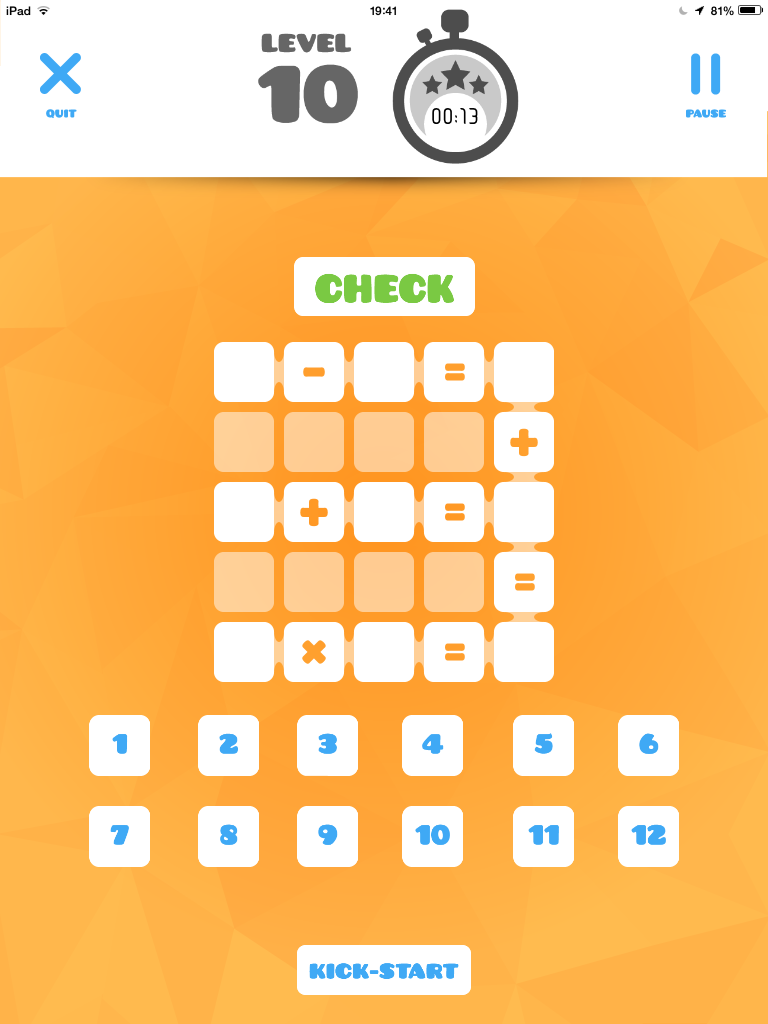
Let’s look at level 10 in detail and the kind of thought processes that the children will need to go through to answer it successfully.
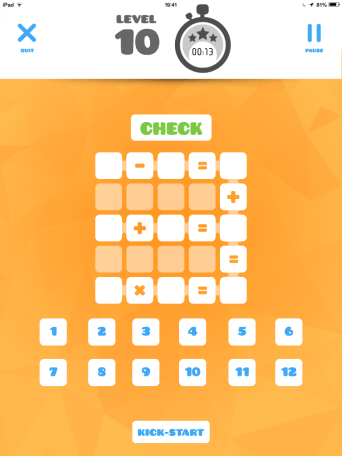
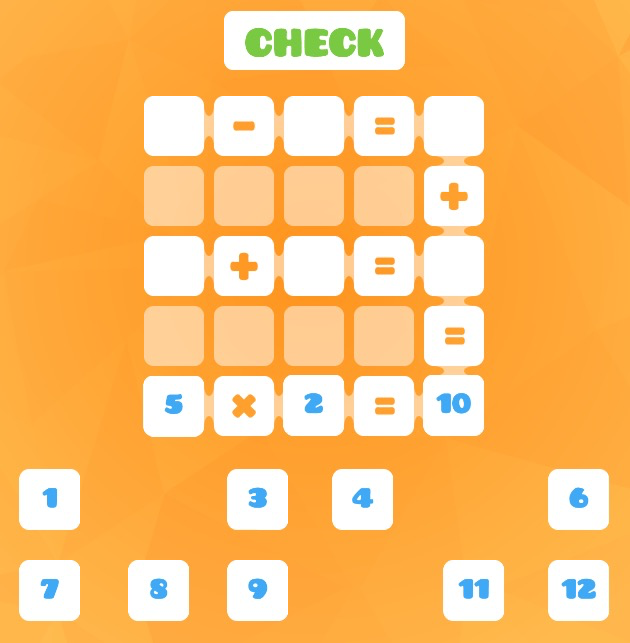
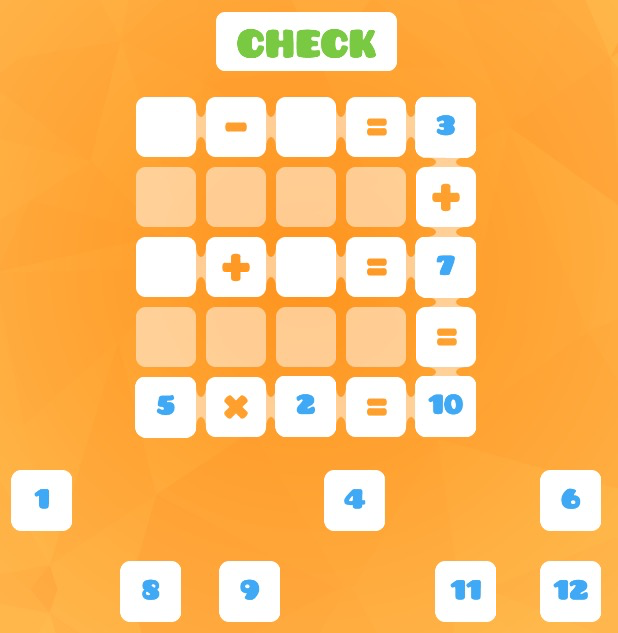
Firstly (and crucially) children need to think carefully about their starting point. If they start with the addition and subtraction lines and ‘fill in’ the multiplication line last, they are unlikely to find a solution as there are far fewer ways to complete the multiplication. And which multiplication to choose: 3×2? 5×2? When you look at the right hand column (__+__), probably the one with the higher product. Let’s assume that the player’s started with 5×2=10:
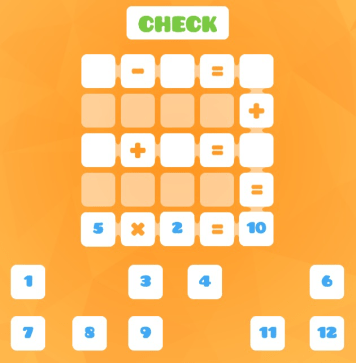
So a logical next step would be to find two numbers that add to make 10. Which combination of numbers is best? And which way around should the numbers be positioned? Consider this:
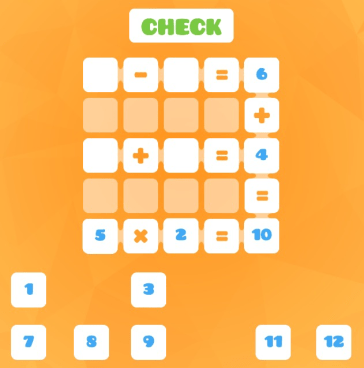
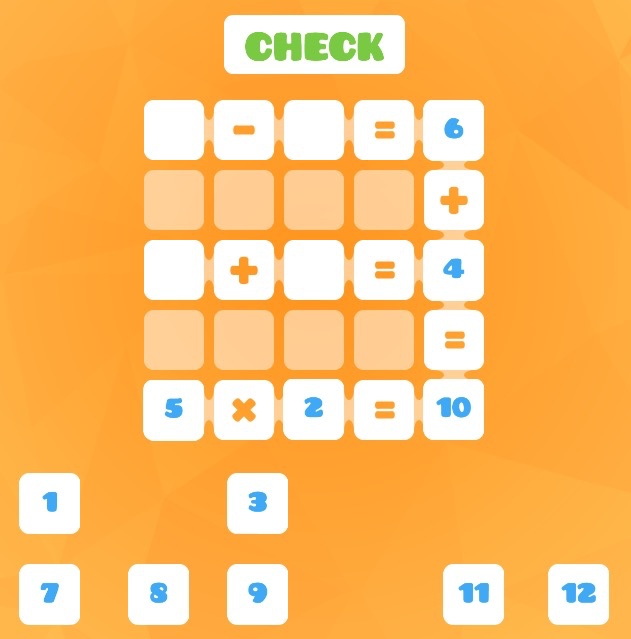
The 4 can be made with the 1 and the 3, but with the larger number (the 6) being on the top line and all the smaller numbers used up, it’s not possible to make the top line correct. An adjustment’s needed. The player may realise that it’s easier if the larger number’s used as the answer to the addition rather than the subtraction. Say 7 and 3 are tried next:
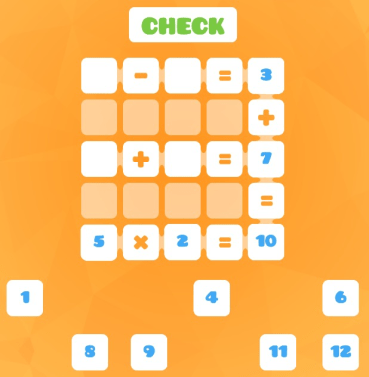
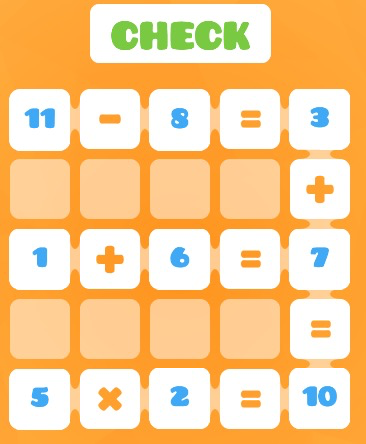
Now the player’s in a position to find a solution (there are multiple solutions for all the levels):
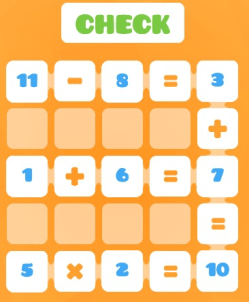
I’m going to produce videos demonstrating the process of completing 3 of the levels that teachers can show to children, to make the learning from the tasks explicit. However, the thing that I love about Logic Squares is that it’s in the (highly addictive) process of trial and error, seeing links and spotting mistakes, being frustrated then finding a way to overcome, that the majority of the learning takes place. By the time the children get to level 25, they’ll have honed a wide range of crucial mathematical skills and ideas. Enjoy!
 children to learn that the = sign means ‘same as’ rather than ‘makes’ and it gets children using number facts with flexibility. Click here for more details and examples.
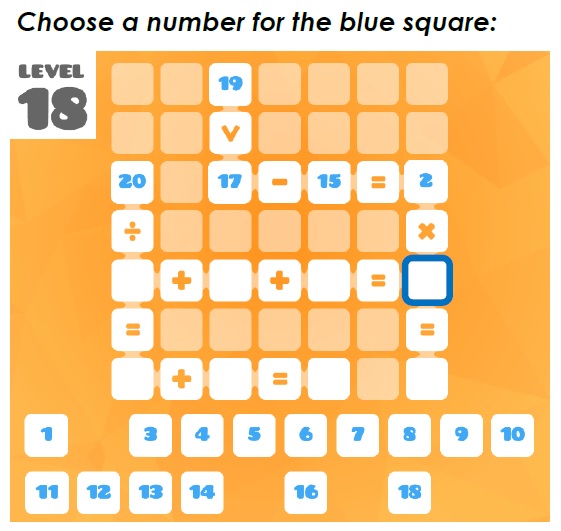
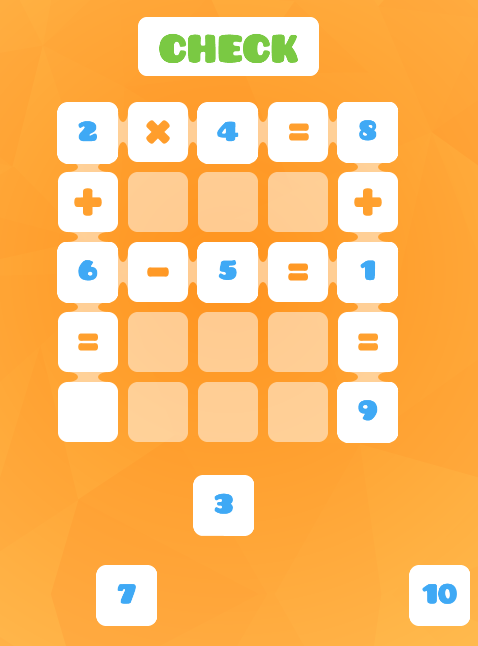
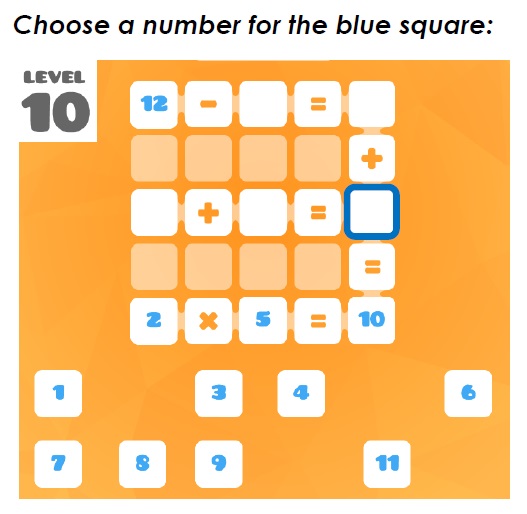 part-finished example Logic Squares grids. On each grid one square is highlighted: children will then discuss and explain which number they would put in the highlighted square.
 Children could then complete the level using the available numbers at the bottom.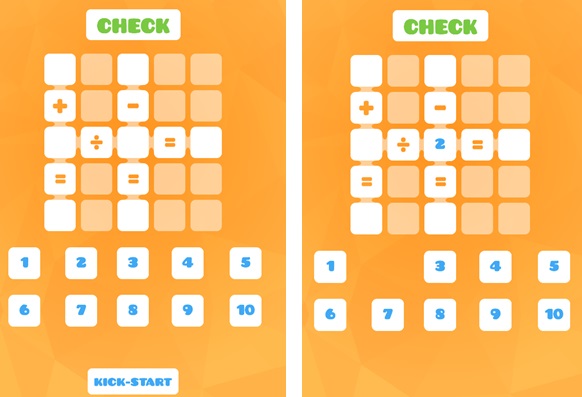

 Gareth Metcalfe Primary Maths